HTTP / HTTPS
The workhorse of monitoring. This sends a request to your endpoint (like `GET /health`) and checks if the status code is 200 OK. It confirms your server is up and serving content.
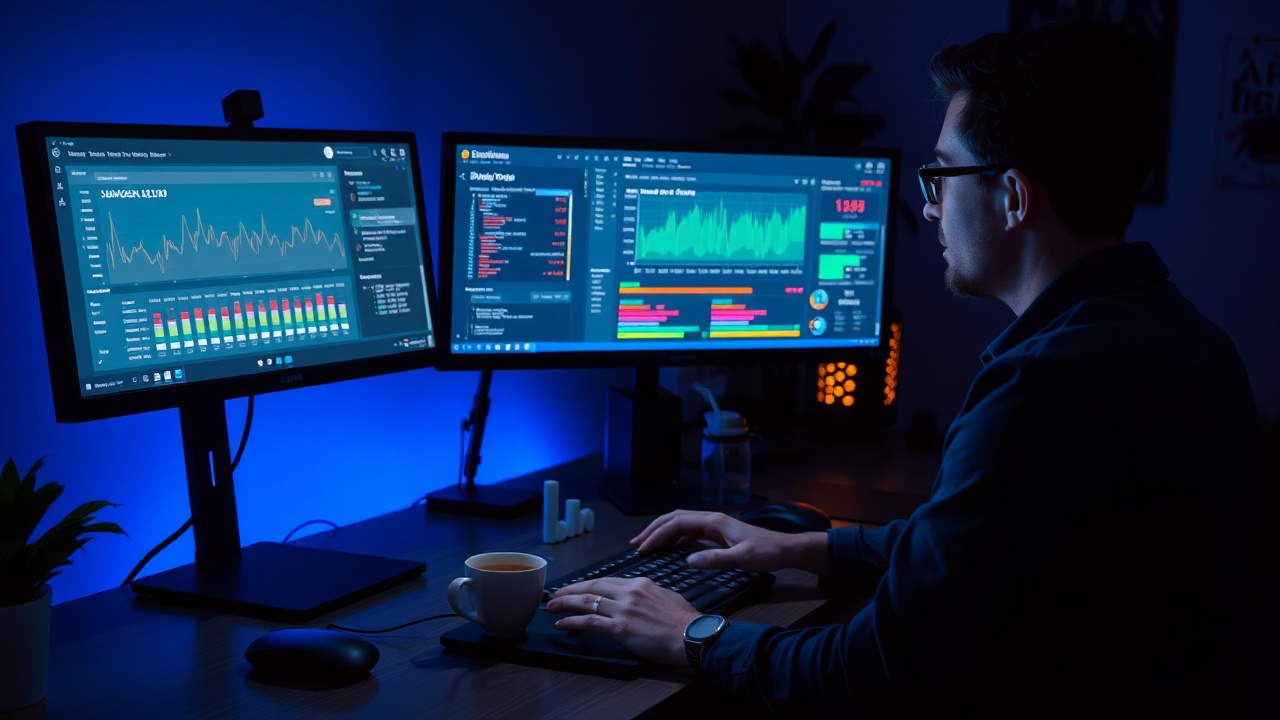
You’ve just shipped a new feature. Your users are happy. But if your server goes down in the middle of the night, who is going to know?
Uptime monitoring is the difference between a graceful recovery and a panicked 3 a.m. call. For small teams and indie developers, you don't have the budget for a dedicated SRE (Site Reliability Engineer) team, but you still need the reliability of an enterprise giant. The solution is a system that alerts you before your users do.
In this guide, we’ll walk through the basics of setting up a monitoring stack that scales with you, from simple HTTP pings to complex DNS and TCP checks — without the headache.
Not all downtime looks the same. Choosing the right monitor type ensures you catch the specific failure modes that matter most.
The workhorse of monitoring. This sends a request to your endpoint (like `GET /health`) and checks if the status code is 200 OK. It confirms your server is up and serving content.
Essential if you have multiple domains or a complex DNS setup. It checks if your A, CNAME, or MX records resolve correctly. A DNS failure means nobody can even find your site.
SSL certificates expire. This monitor checks your certificate validity days. Getting an alert 30 days before expiration prevents a sudden "Your connection is not private" error.
Good for backend services. It checks if a specific port (like 6379 for Redis or 3306 for MySQL) is open and accepting connections, regardless of what's happening on the HTTP layer.
A monitor that pings you every time a service restarts is useless. A monitor that never pings you is dangerous. You need smart thresholds.
1. Define Recovery: Always set a "recovery" threshold. If your server goes down and comes back up, you don't need to be woken up. The recovery alert tells you the problem is solved.
2. Use Snooze for Maintenance: Scheduled downtime (like a weekly database backup) shouldn't trigger alerts. Configure a maintenance window so you get a "maintenance complete" ping instead of a panic call.
3. Snooze for False Positives: Sometimes a monitor flags a problem that isn't actually a problem (e.g., a slow third-party API). Instead of disabling the monitor, use the "Snooze" function for 30 minutes. It's a temporary fix that buys you time to investigate without spamming your Slack channel.
4. Check Frequency: Don't check every second for a static page; it wastes resources. A 30-second interval is usually the sweet spot for web applications. For critical infrastructure, 10 seconds is acceptable.
Burnout is the enemy of uptime. If your team is exhausted, they won't react fast enough when things go wrong.
For a small team of 3-5 people, a rotating on-call schedule is the best way to share the burden. Instead of "the weekend," rotate responsibilities weekly or bi-weekly.
Assign a specific 24-hour window to each person. If you're on-call, you are the first point of contact for any alert.
Set a rule: If the on-call person doesn't respond in 15 minutes, escalate to the lead engineer. This ensures no alert ever goes unhandled.
Explicitly schedule time off. If someone is on vacation, the schedule should automatically pause alerts for that period.
Let's get you running. Here is the quick setup guide for Statusly.
https://your-app.com/health).
Get the PDF version of this guide to keep by your desk. Includes a pre-filled template for your on-call rotation and alert rules.
Elena is a former indie hacker and current SRE at Statusly. She believes that good monitoring is the difference between a successful startup and a stressful weekend. When she's not debugging infrastructure, she's brewing coffee.
Why HTTPS matters for SEO and trust, and how to automate it so you never have to renew manually again.
Read ArticleA step-by-step template for handling outages calmly, communicating with users, and recovering quickly.
Read ArticleDon't let alert fatigue kill your productivity. Learn what to avoid when setting up your first dashboard.
Read Article